For Parents For Students For Teachers For Agents Pricing
Ask a Parent to Register For Teachers
For Students

You know when
you actually learn.

Edswitch gives you a clear picture of your progress after every session — what you understood, what needs more work, and exactly what to focus on before your next class.

What you see

After every session — you know where you stand.

Your score for every session

After your teacher completes the session assessment, you see your score. Not a vague "good job" — a number that shows how well you understood what was taught.

A specific note on what to do next

Your teacher writes one actionable thing for you to work on before the next session. Not homework for homework's sake — a focused task tied to where you struggled today.

Your progress over time

The app tracks every session. You can see how your scores change across weeks and subjects — so you can see for yourself that the work is paying off.

Early warning on weak areas

If a topic keeps coming up as difficult across multiple sessions, we flag it — so you and your teacher can give it more attention before it becomes a problem in your exam.

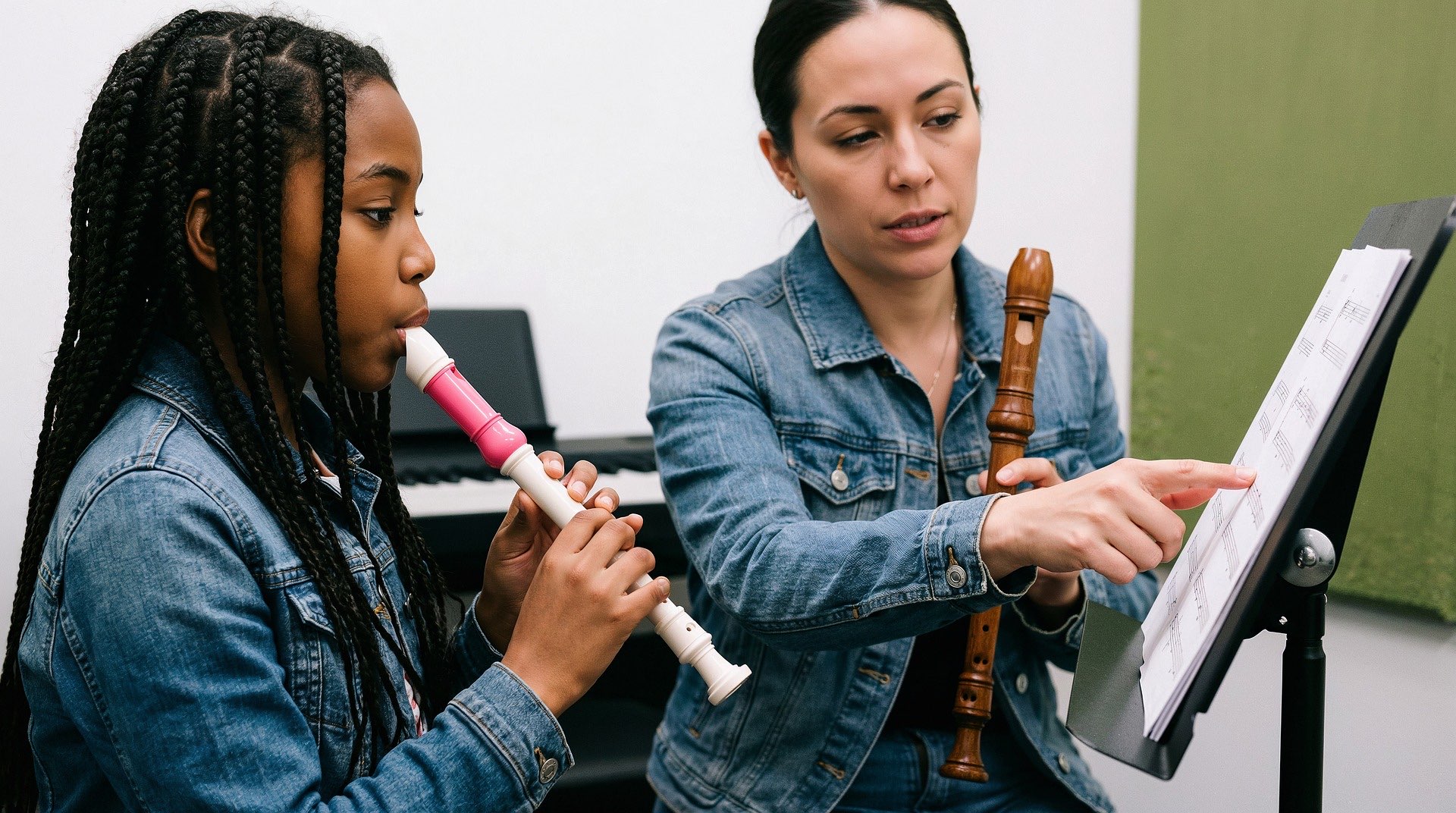
Student working hard
After Every Session
Your Score
Sent to you the moment your teacher finishes

Learning together
Students in session
How it works

What happens in every session.

01

Your teacher arrives prepared

Before the session, your teacher submits a lesson plan built around where you currently are — not a generic lesson, but one specific to your level and your last score.

02

You learn — the session is tracked

The session runs as normal — in person at your home or over a video call. The platform records the session so the quality of teaching can be verified afterwards.

03

You get your results

Session ends. Assessment is completed. Your score, what was covered, what you found difficult, and your next action — all delivered to the app immediately.

Subjects & Pricing

See everything on the pricing page.

All subjects, session rates, and savings — in one place.

View Pricing & Subjects

Ask a parent to register you.

Edswitch starts with your parent — they register, choose your subjects, and set everything up. Then the sessions are yours.

Download the Edswitch app to track your progress after every session.